

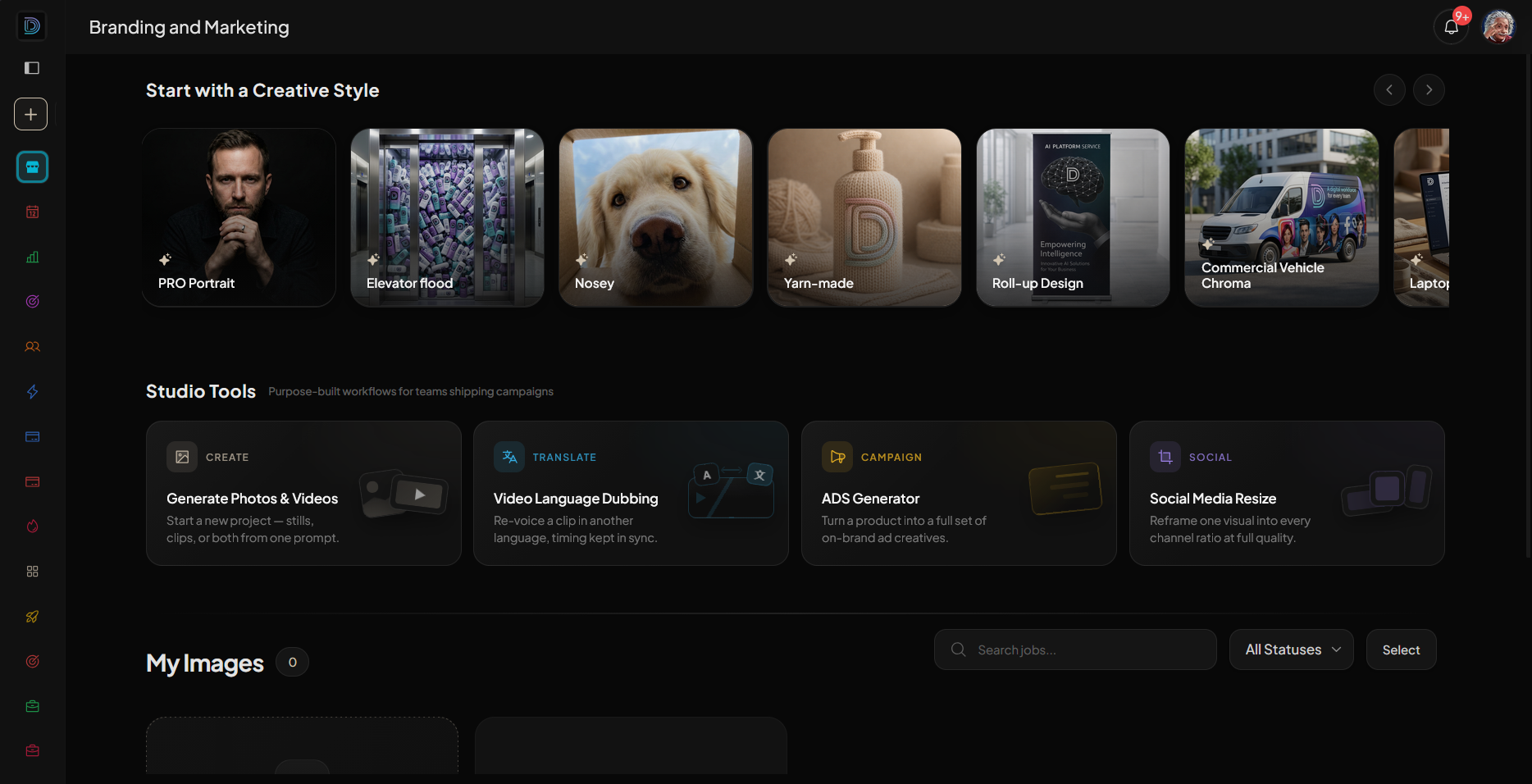

A digital workforce for the work you keep repeating.
Specialist agents in Gmail, Drive, and Slack. No code. You stay on approval.
Agent lineup
The right AI employee for any business task









The product
Describe the job and watch agents finish it
D1MA ONE
A library of AI agents you can put to work
Pick the agent that fits what you need, give it the task, and let it handle the work from start to finish.
- Choose the right agent.
- Give it a task and get the result.
- Access a library of ready-to-use agents.
- Run as many as you need.

Workflows
Automate workflows with a single prompt
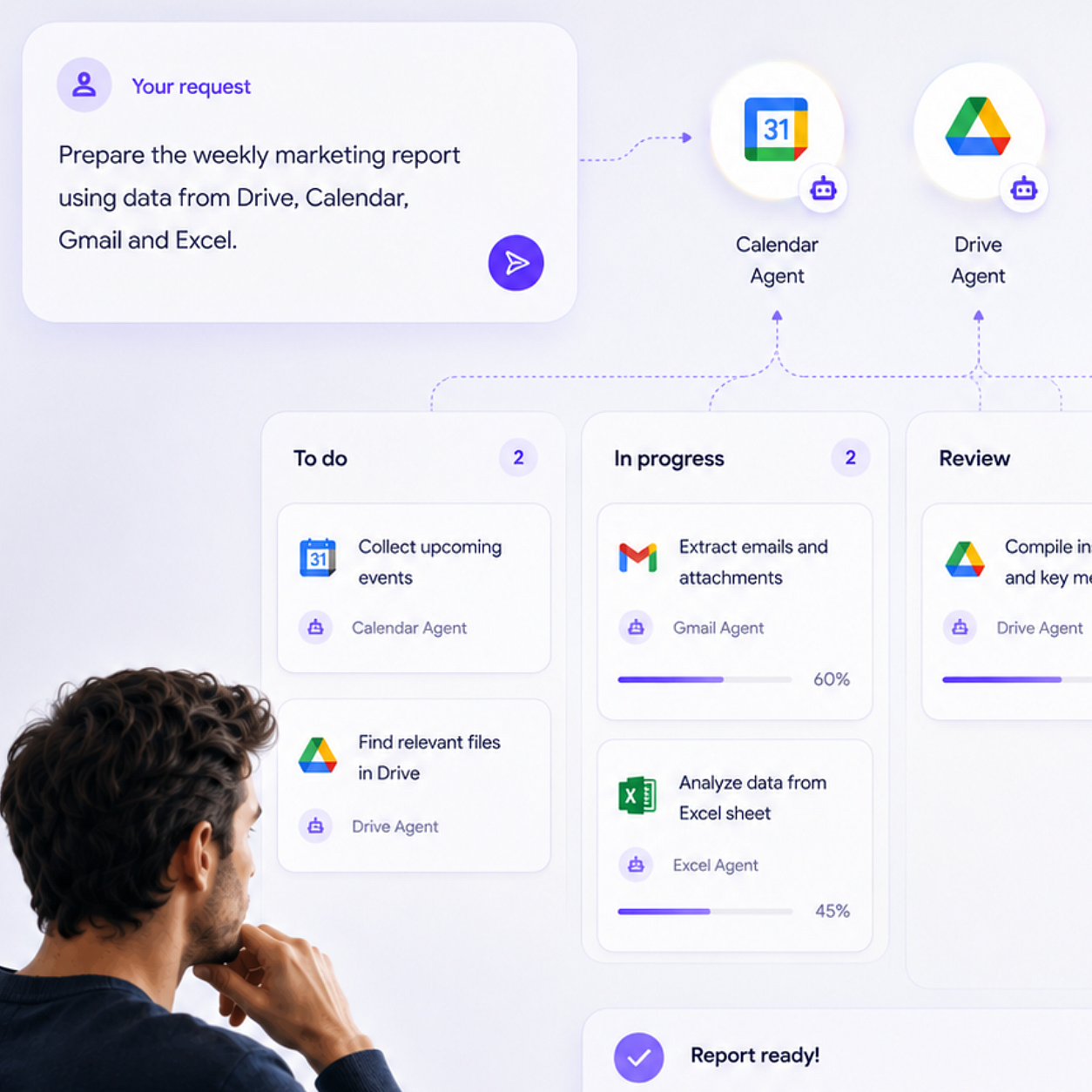
Tell D1MA the outcome you want. It automatically chooses the right agents, assigns each one a task, and connects the work into a workflow that runs for you.
- Prompt the outcome, not the workflow.
- D1MA chooses and coordinates the agents.
- Review and adjust the workflow when you want.
- Run the whole workflow from one place.

The Board
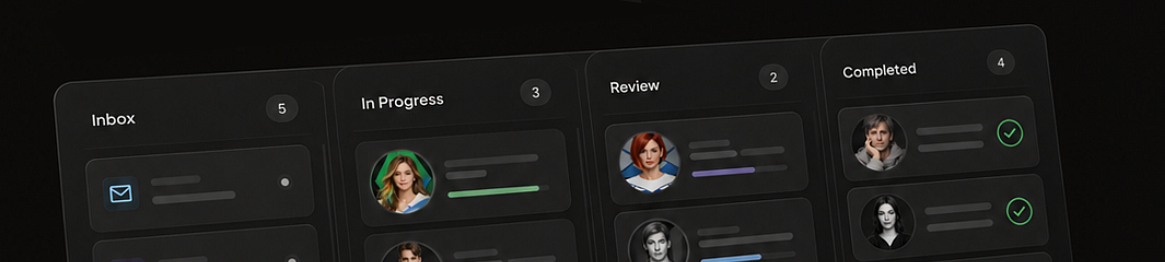
See your automation run, card by card
Watch every agent move through its tasks on a live Kanban board. See what's running, what's waiting, where something broke, and what needs your attention without digging through logs.
- Watch every task move as it runs.
- See exactly where the workflow stands.
- Spot breaks and blockers instantly.
- Review and take over whenever needed.
Inside Automation
Build powerful automations in plain language
AI agents
Pick the right agent for the job.
Build your agent
Describe the role. Ship it with guardrails on.

@mention in chat
The result comes back in the same thread.
Custom conditions
Conditional workflows that run when your rules are met.
Easy setup
Live in minutes.
Agents and workflows
Ready jobs to grab, tweak, and go live.
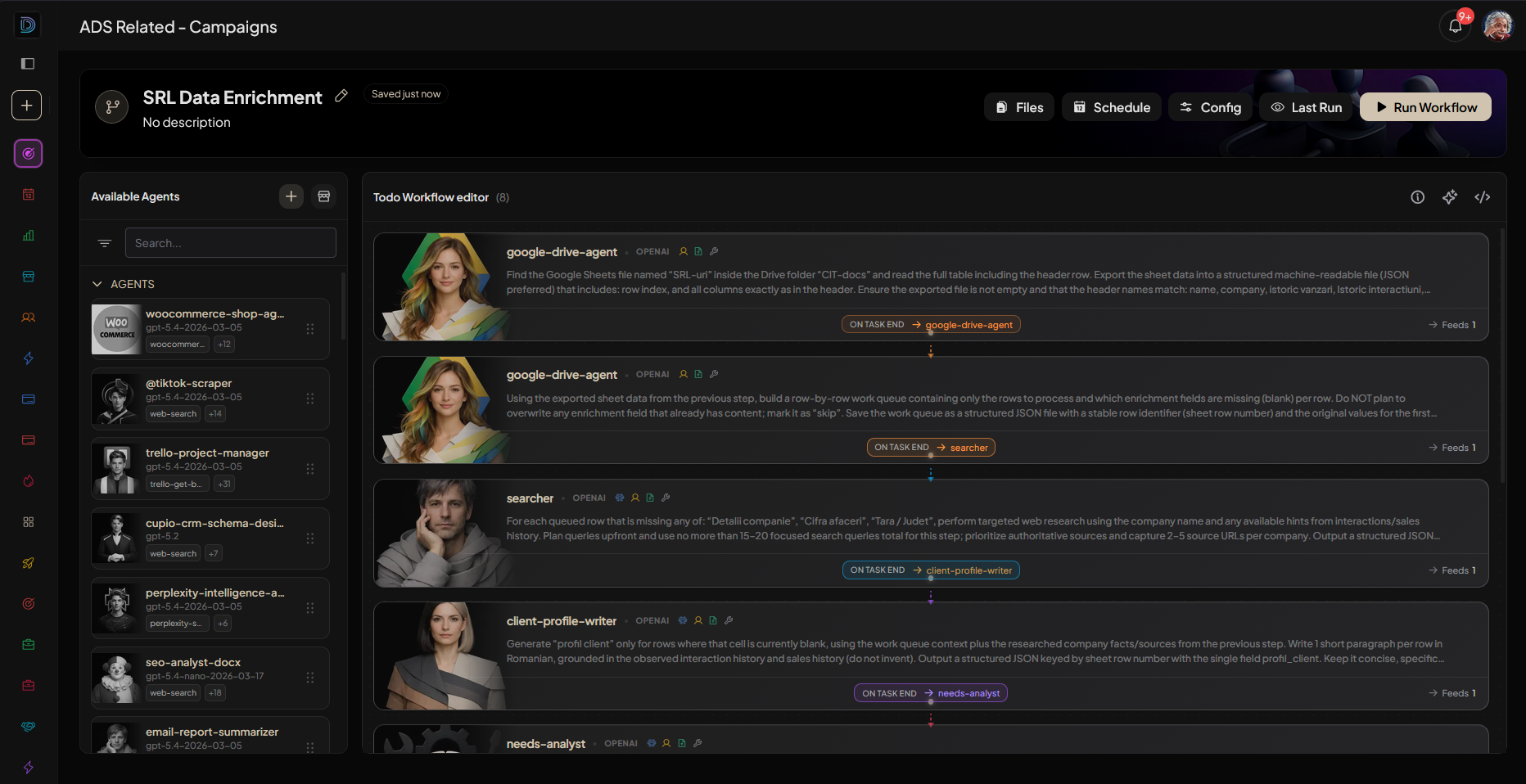
Automation builder
Build automations without code. Anyone on the team can use it.
Put your business processes on autopilot
Set up in minutes.
Integrations
Connect the tools you already use
Dozens of integrations. One setup per workspace.
- Connect once
- Scoped per workspace
- Every action logged


Workflows catalog:
Lead Finder
Find companies like the ones you already win, from the web.


Lead Contact
First email to a new lead, using what you already know.
Client Nurture
Follow-ups that pick up the last thread, not a fresh pitch.
Call Prep Brief
Mail, calendar and files on one page, before you pick up.
Meeting Recap
Decisions, owners, next steps. In Slack before you sit down.
Offer Writer
Last emails and numbers into an offer you can send today.

Nobody here starts at a blank prompt.
Browse marketplaceTriggers
Run on a schedule or when conditions are met
Build
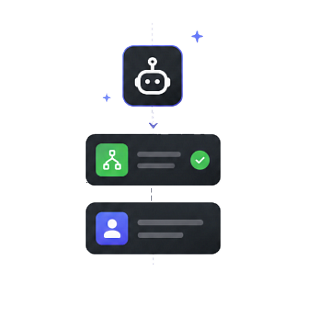
Build a workflow with a single prompt.
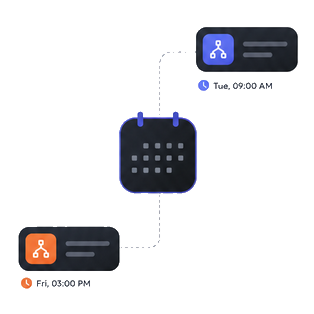
Schedule
Schedule daily, weekly or monthly.
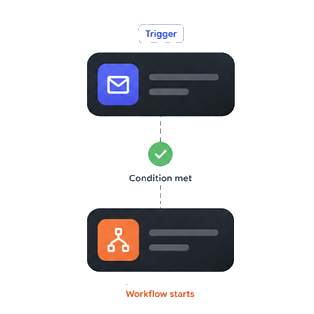
Custom trigger
Trigger the workflows conditionally.
How you work
You run the loop. Agents stay inside it.
Automate
Put the job on a schedule or a trigger. It runs without you starting it.
Build
Describe the workflow once. Agents assemble the steps and the tools.
Configure
Set the rules, the tools, and who can change the run.
Review
Open the run, approve what goes out, send it back if it is wrong.
This afternoon
The job you did twice this week.
Start with a sentence, a ready job, or an agent.
- Free trial
- Entire system
- Cancel anytime